
Basics of Automation
Automation 101 for Dummies
TECHNOLOGY
Atanu
11/18/20252 min read
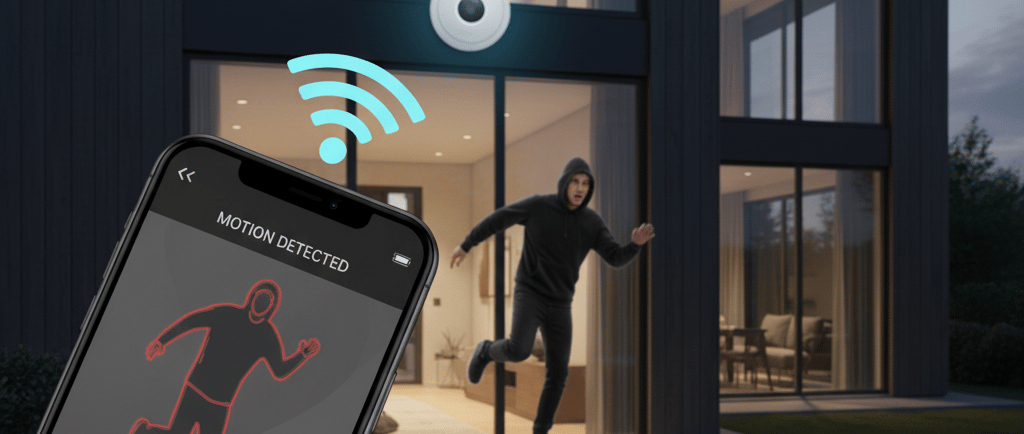
A High-Level Overview of Automation
Automation refers to achieving outcomes with minimal or zero manual intervention. Processes range from fully manual to entirely automatic, with most systems falling somewhere along this spectrum.
The Three Building Blocks of Automation
To illustrate automation, consider a home garage equipped with a remote-controlled door. The user presses a button on a remote to open or close the garage door, mirroring the mechanism used to lock or unlock a car. This scenario highlights three essential components of any automated system: Input, Controller, and Output.
Input: The remote provides a signal indicating the desired action—open or close the door.
Controller: The system interprets the signal, determines the required response, and issues a command.
Output: The garage door motor receives the command and performs the action.
The controller serves as the “brain” of the system, sensing external conditions and generating appropriate output signals to achieve the intended goal.
Broader Applications
This model extends to other domains, such as home security systems. A key fob sends lock or unlock signals to a controller, which then arms or disarms the alarm. Communication between input and controller may be wired or wireless, with wireless systems offering greater flexibility.
Components of an Automated System
Input
Input devices communicate intended actions to the controller. These can include:
Physical switches (e.g., turning on a bulb)
Voice-controlled devices (e.g., Alexa, Google Assistant)
Computer or mobile applications
Any internet-connected system capable of sending commands remotely
Wireless input offers several advantages:
Control from any location
Neater installations
Faster setup and commissioning
However, wireless systems require:
Strong 2.4G Wi-Fi signals at the installation site
Devices capable of auto-reconnecting after connectivity loss
Reliable internet service providers
Stable, fast internet connections
Controller
The controller interprets inputs and generates outputs based on programmed logic. For example, a controller may turn on a light when it detects both a human figure and low ambient light. Programmable parameters can include how long the light stays on or how frequently it activates.
Common applications include:
Remote farmhouses or barns
Large homes or mansions
Industrial periphery lighting
Street lights
Output
The output component executes the controller’s command. This could be a standalone device (light bulb, camera, garage door) or a subsystem that processes the command before acting. For instance, street lights may adjust brightness based on traffic levels.
Integration and Flexibility
All three components—input, controller, and output—may be standalone or integrated. Multiple inputs (motion, light intensity, time) can feed into a controller, which may itself be embedded within input devices. Outputs can also be integrated, as seen in motion-sensing LED outdoor lamps.
Next Topic: Sensors will be explored in the following section.
Explore
Join me in this fascinating journey
Connect
stay updated
© 2025. All rights reserved.